A workout checklist that keeps up with you.
Tick off exercises, time your rest and watch every muscle rank up. Works offline. No ads, no tracking.
Free for iPhone, iOS 26 or later.
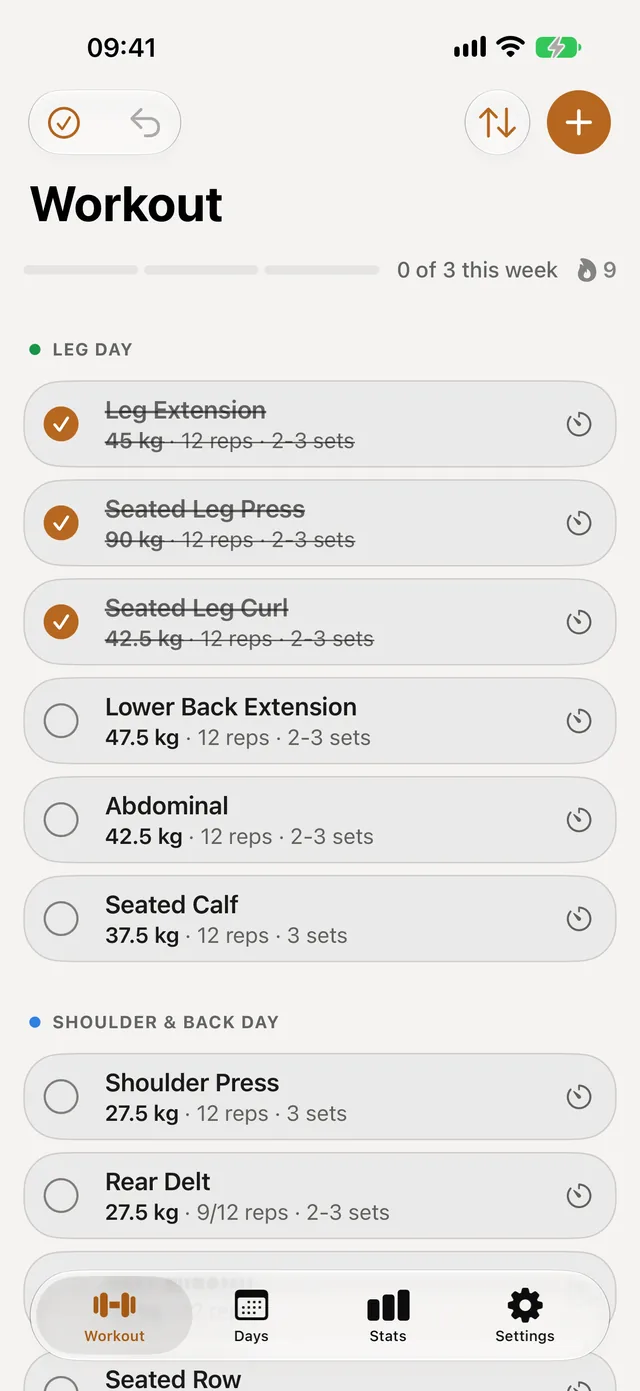
Check it off, rest, repeat
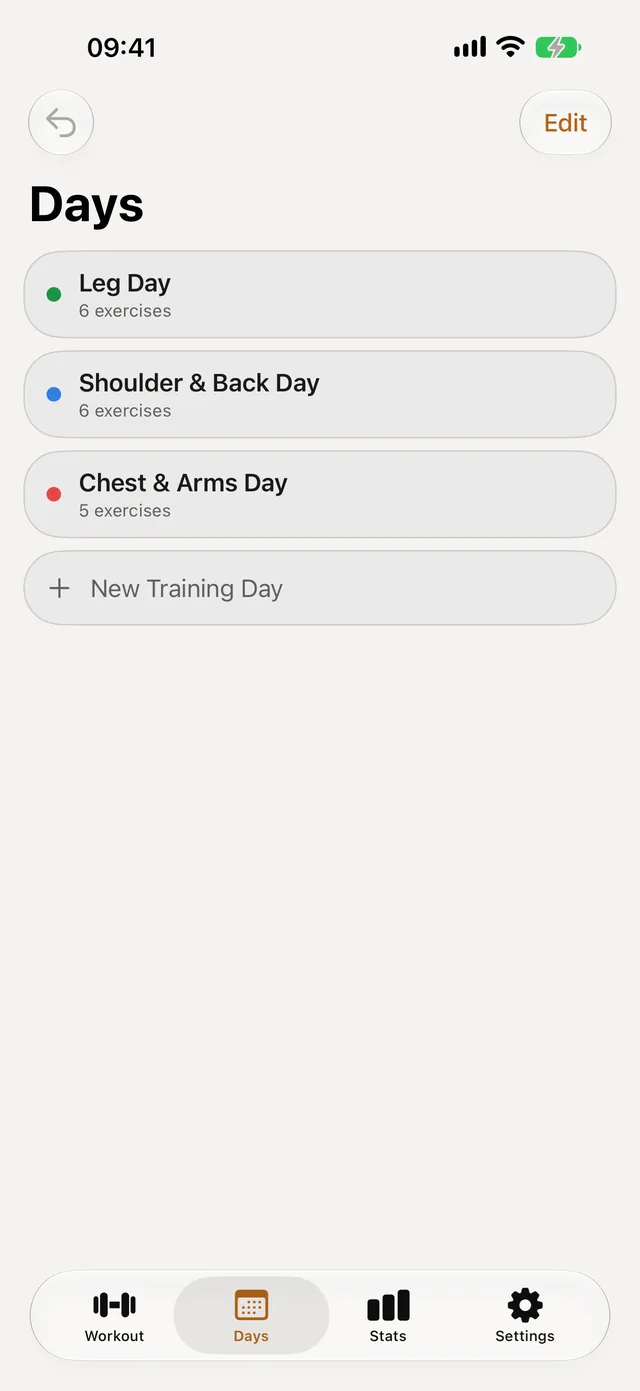
Your routine is a plain list. Tap to tick an exercise, swipe to skip it or swap it for another one, and the rest timer starts on its own, also on the Lock Screen.
Weights from last time are already filled in, so the next session starts where the last one ended.
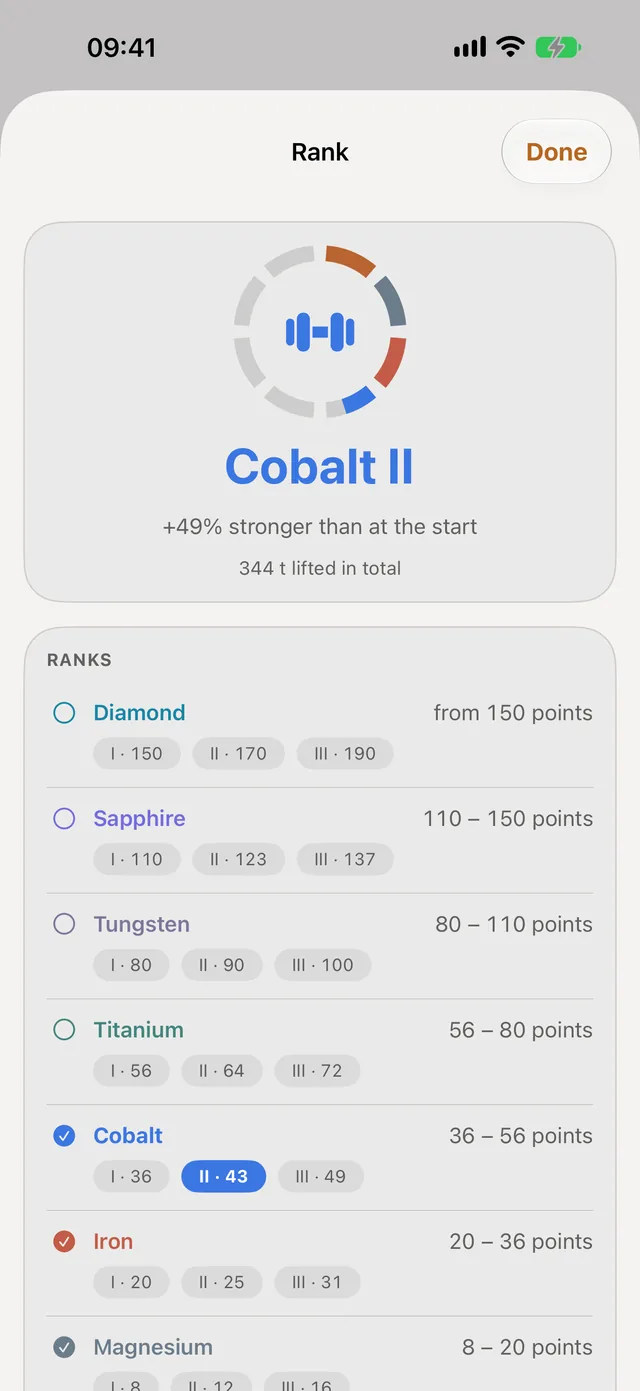
Ranks you can actually earn
Eight tiers from Copper to Diamond, for each muscle and overall. A rank compares you with your own start, plus a floor if you begin strong, so a good first week is not a beginner rank.
Skip a month and a rank fades slowly, then comes straight back when you return to your old weights.
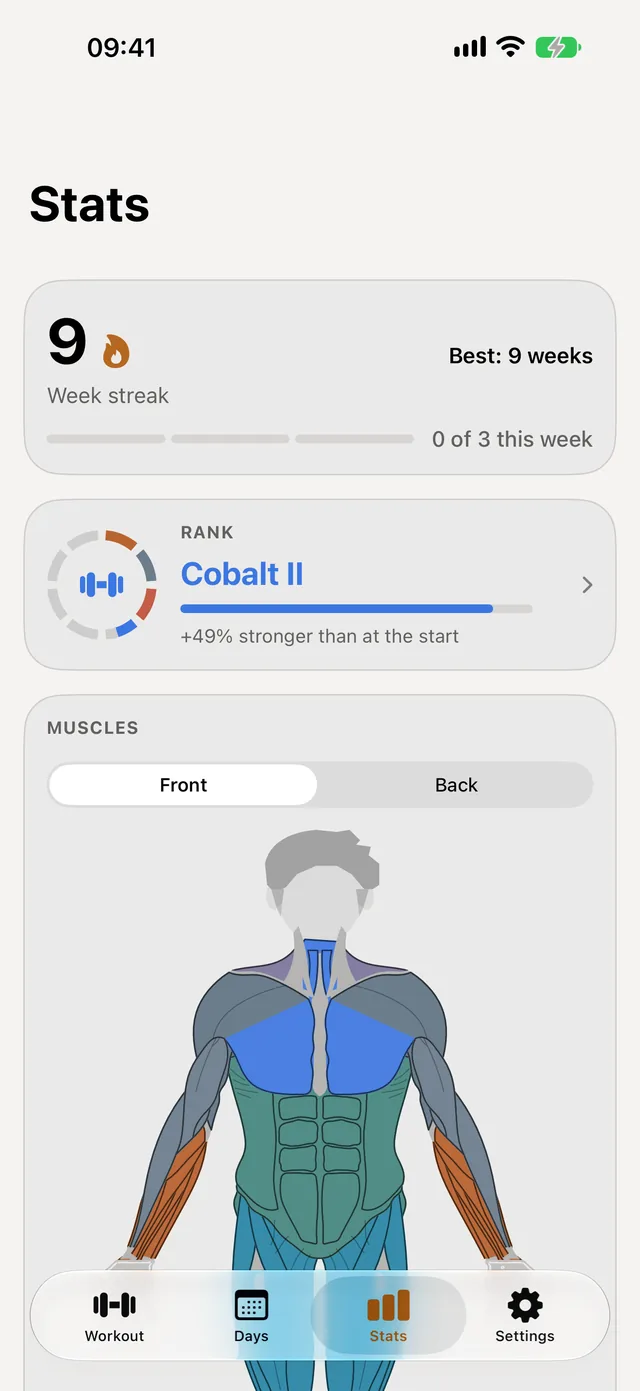
See every muscle
A body map colours each muscle by its rank, front and back, and your week streak shows how long you have kept your goal. Helper muscles get partial credit, so a heavy row also counts for your biceps.
Your history stays yours
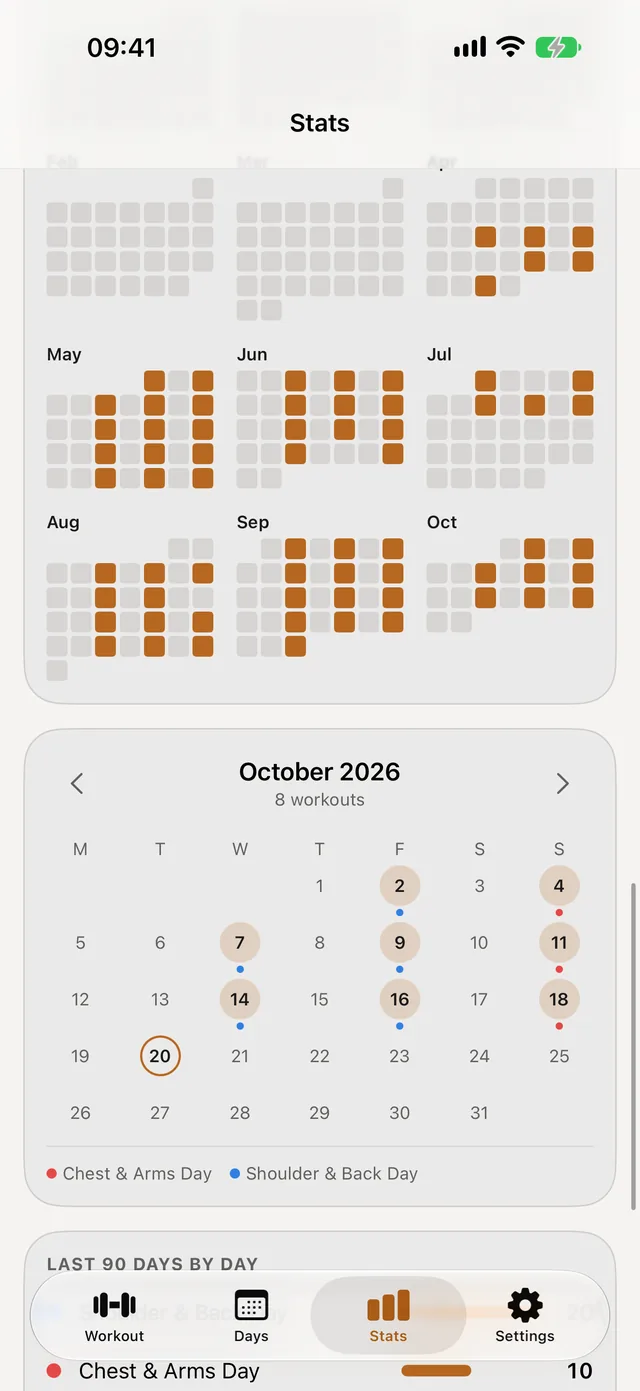
Every session is saved with its weights. See the whole year at a glance, open any day, and export everything as a file whenever you like.
An account is optional. With one, your data syncs between devices and you can send a training day to a friend by username.
What the app does with your data
- Works without an account. Everything stays on your iPhone.
- No ads, no analytics, no tracking. Nothing is sold.
- One email, only for your account. It confirms the account is yours and resets a forgotten password.
- Delete everything in the app. Settings, Account & Security, Delete Account.
The full details are in the privacy policy.